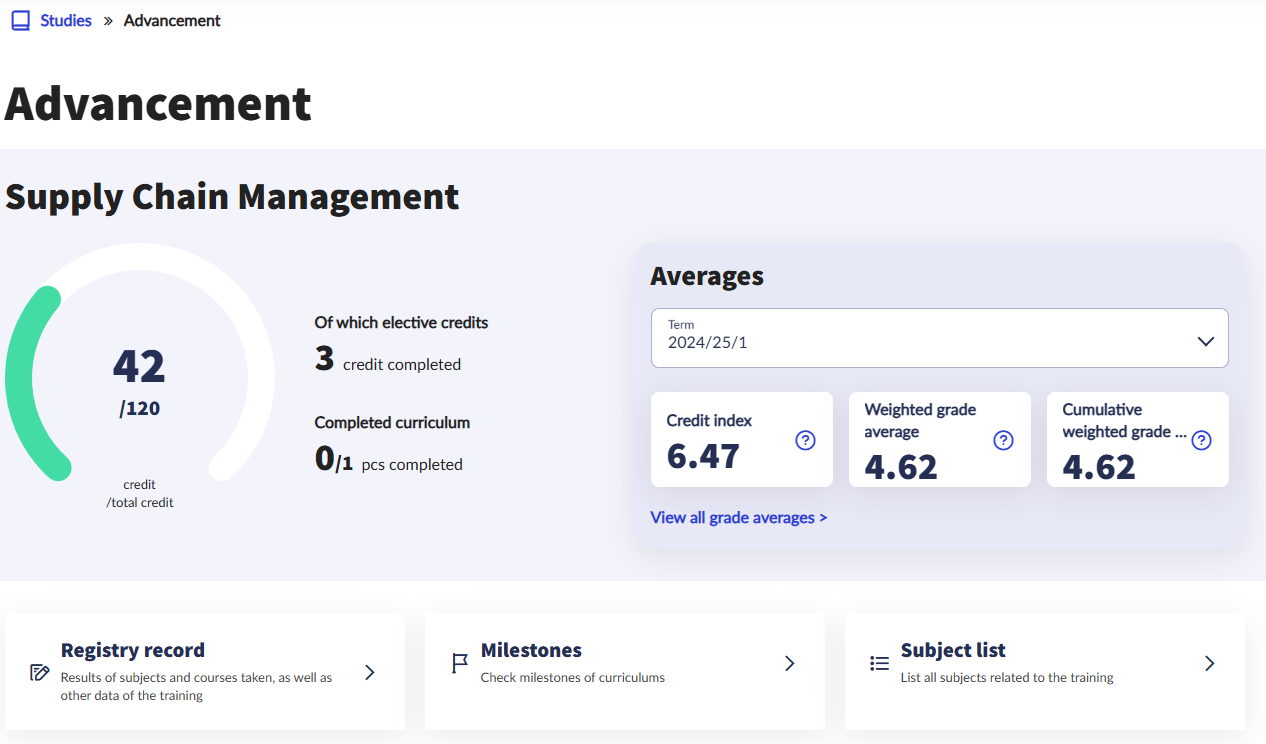
You can view the credits and grades of your registered subjects by selecting the desired term in the Averages window under Studies/Advancement menu item and then clicking on the View all grade averages link.
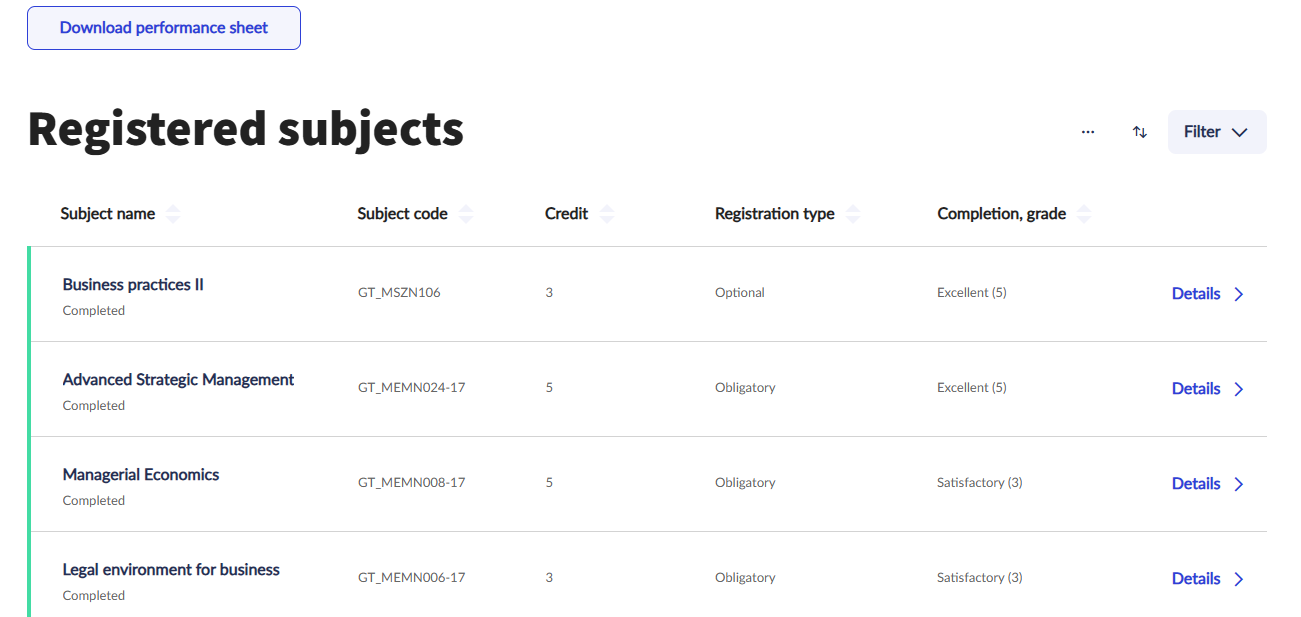
After clicking on the link, it is also possible to download the Performance sheet, which contains the data shown on the interface in PDF format, extended with the name of the lecturer(s), the requirement type and the date when signature was obtained.
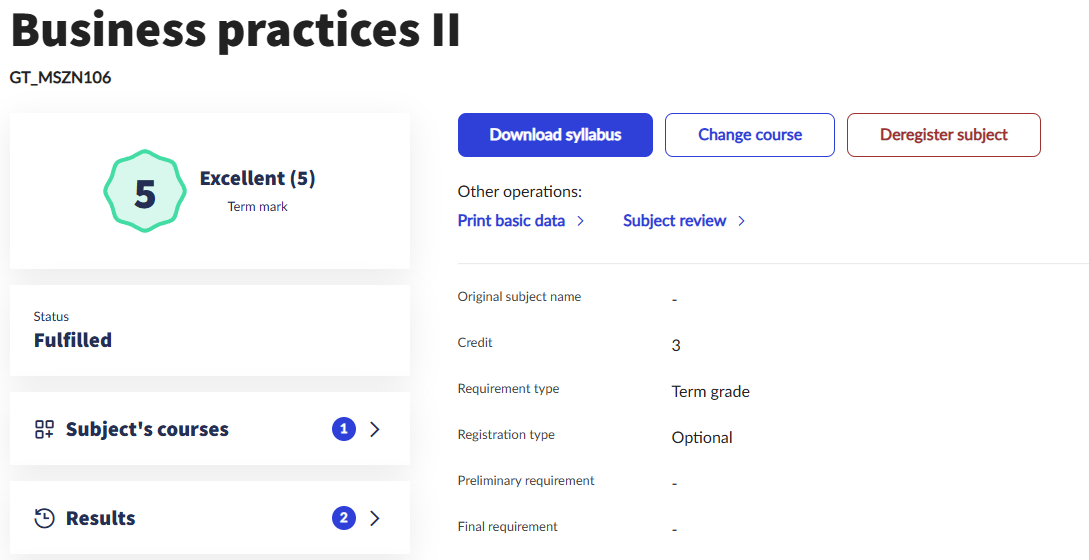
After clicking on the Details link at the end of the lines, you can see the detailed data of the selected subject, such as the subject’s courses, the list of students and the results. The interface shown in the image below is also available after clicking on the desired subject in the Subject/Registered subjects menu item.
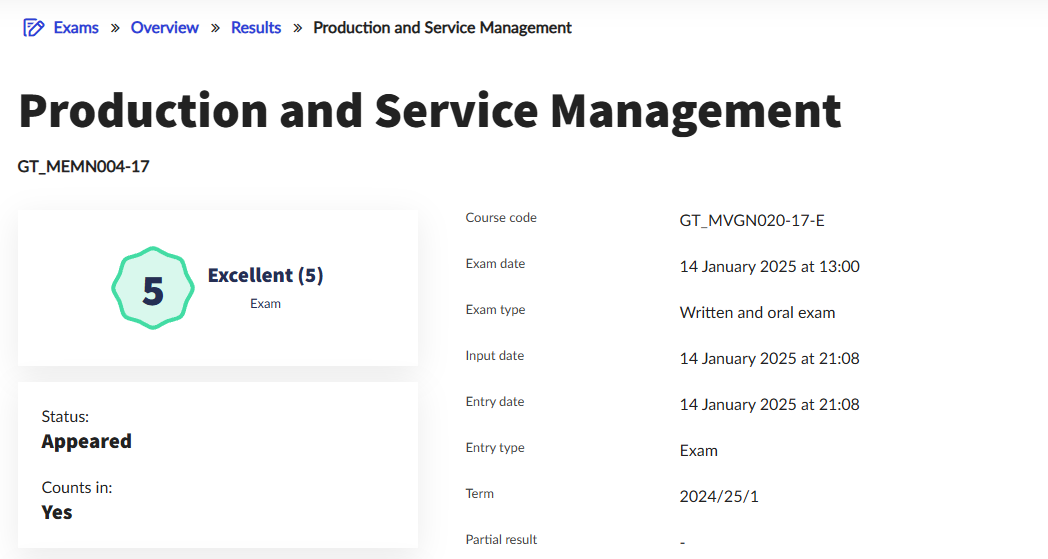
The results of your exams can be viewed in the Exams/Results menu item, where it is also possible to view the detailed data of the selected exam after clicking on the Details button.